
Skills exercises
Short, structured roleplay with a clear objective and star ratings.
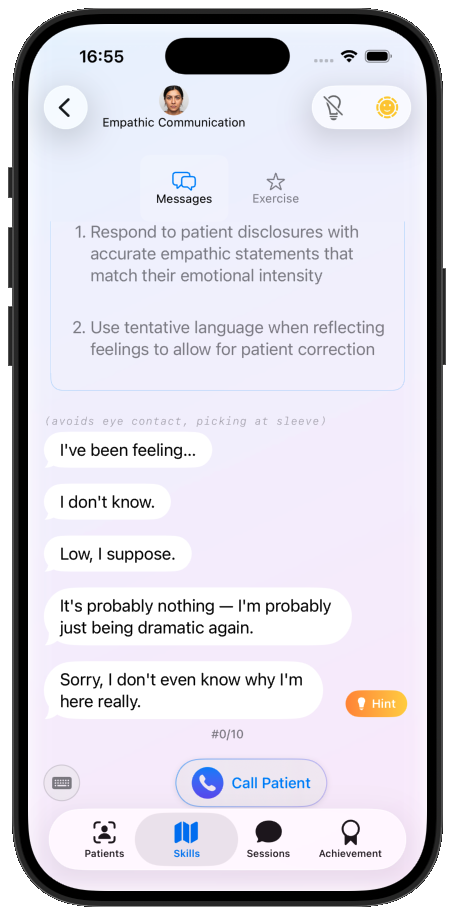
The Skills tab offers a different, more structured kind of practice: short exercises with a single objective, a ten-round limit, and guided hints.
Finding an exercise
At the top of the Skills tab, choose a therapy modality (CBT by default). Browse the chapters, open an exercise, then choose a character to practise with.
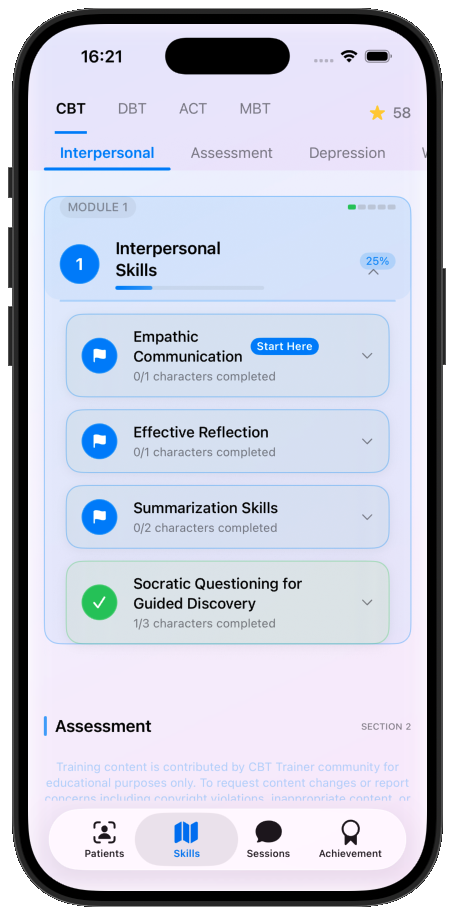
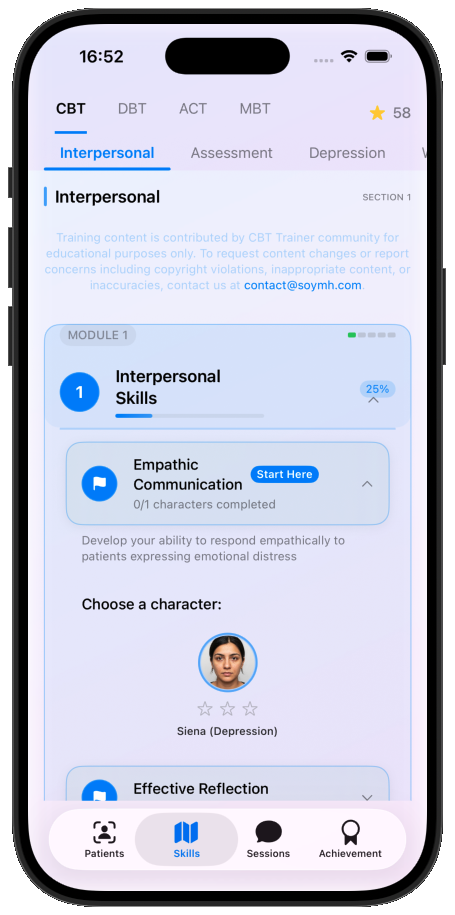
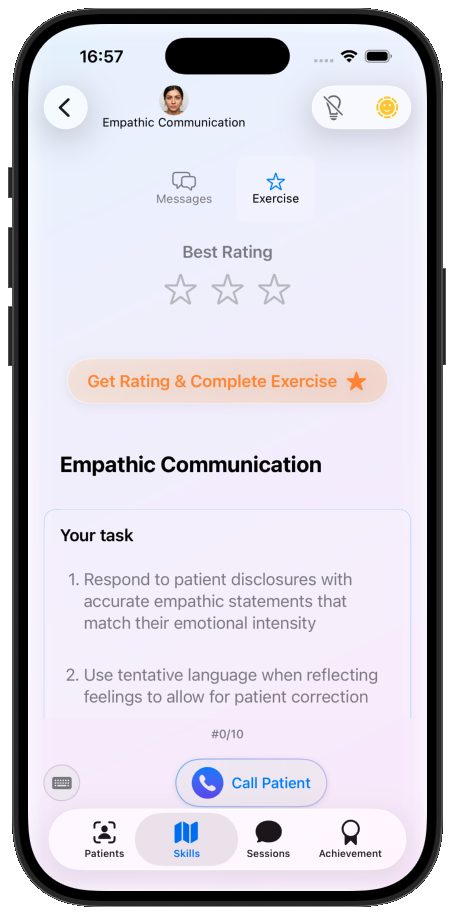
Before starting, you'll see a short introduction to the exercise and its objective. Expand the section at the bottom to see a worked example.
Practising
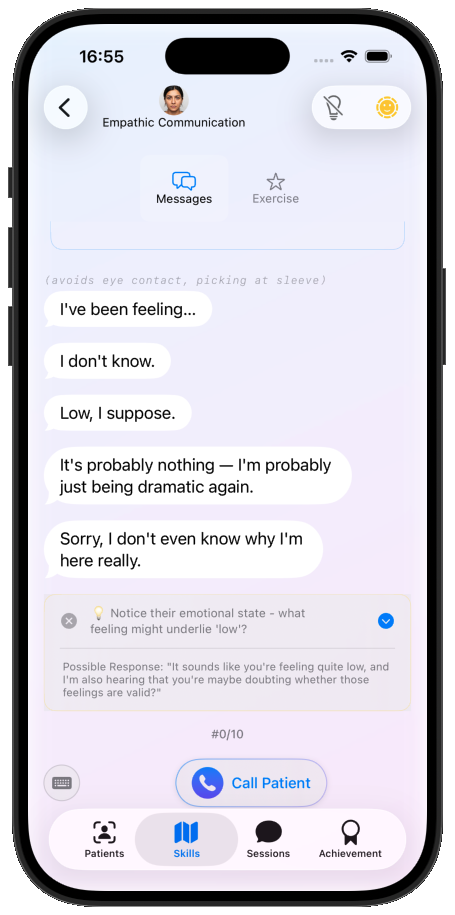
The interaction works like character roleplay, but you have only ten rounds to meet the objective. Help is available: when you pause for 15 seconds, a Hint button appears with a tip and an example response.
Get the most out of hints
Lean on hints too heavily and you won't learn much. We suggest working the first round out yourself with the hint as guidance, then trying the second round with no hint at all.
Your rating
After ten rounds you're rated out of three stars. If the rating isn't shown automatically, open the Exercise page for it. Expand each item to read individual feedback, as you would for a competence rating.
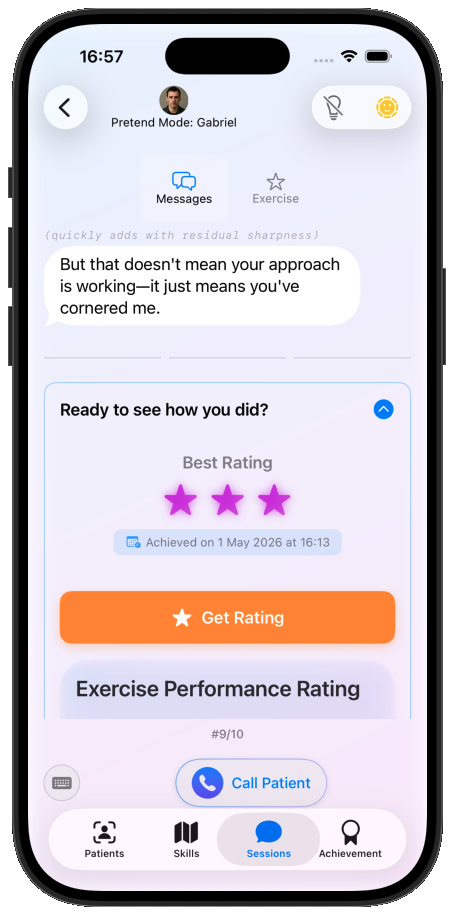
Back on the Skills map, your star rating appears on the exercise and you can move on to the next challenge. Some exercises have a difficult mode; their stars appear in purple rather than yellow.